I Thought It Would Take 15 Minutes
08 May 2026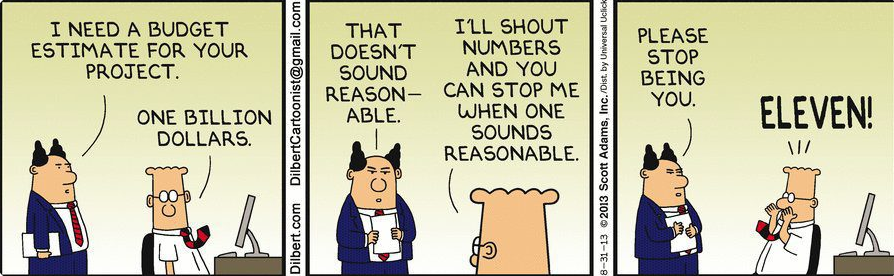
Effort Estimates
For this project, I made my effort estimates by looking at how complicated each GitHub issue seemed, how familiar I was with the work, and how much testing or debugging I expected it to need. Smaller tasks were easier to estimate because they had fewer moving parts. For example, renaming “my stuff” to “my reports” was estimated at 15 minutes and ended up taking exactly 15 minutes of coding effort, so that estimate was accurate. Other tasks were harder to judge. File uploads were estimated at 120 minutes, but they ended up taking 276 minutes of coding effort and 60 minutes of non-coding effort. That showed me that tasks involving integration, debugging, and unexpected errors can take much longer than they first appear.
Benefits of Estimating and Tracking
This was my first time seriously using effort estimation during a project, and honestly, I did not really like it at first. It felt uncomfortable trying to predict how long something would take before I fully understood the issue or knew what problems I would run into. Some tasks looked simple at the beginning but became much longer once testing, debugging, and fixing small details were included. For example, “Playwright and ESLint Tests” was estimated at 120 minutes but took 192 minutes of coding effort, and “Final Touches” was estimated at 120 minutes but took 244 minutes of coding effort. Even though I did not enjoy estimating, I can see why it was useful. It made me more aware of how often I underestimate testing, cleanup, and unexpected bugs.
Tracking Method
I tracked coding effort by recording the time I spent actively writing code, editing files, testing features, fixing errors, and connecting changes to the rest of the project. Most of my coding time was tracked with a start-and-stop timer at one-hour intervals. For non-coding effort, I mostly used my best guess, which included planning, researching, reviewing requirements, discussing tasks, updating issues, and writing documentation. Looking at the time sheet, some tasks had a large non-coding portion. For example, “Add functionality to admin dashboard” had 178 minutes of coding effort and 120 minutes of non-coding effort, while “Create a search feature in browse items” had 45 minutes of coding effort and 90 minutes of non-coding effort. This made it clear that a lot of the work was not just typing code, but also figuring out what needed to be built and how it should fit into the project.
AI Use and Future Improvements
I used AI assistance throughout the project for coding, debugging, explanations, and prompting. Most of the time, I used it when I was stuck on an error, unsure how to approach an implementation, or needed help understanding what part of the code was causing a problem. This was especially helpful for tasks involving testing, file uploads, search, filters, deployment, and page functionality. Additionally, the use of AI helped me balance work from other classes by helping me use my time more efficiently and avoid spending too long stuck on one issue.
As for recording its usage, when AI directly helped me write, revise, test, debug, or integrate code, I counted that time as coding effort. For planning, I did not really use AI because I mostly relied on my own best judgment and estimates. In the future, I would track AI use more carefully by recording how much time I spent writing prompts, reviewing responses, testing suggestions, and manually fixing anything that did not work. I would also rely less on best guesses for non-coding time and use exact start-and-stop times instead, because the time sheet and the final project showed that non-coding work was a bigger part of the project than I originally expected.